
NEC LT260K/LT240K Portable Projector User's Manual

This document is an introduction to the user manual for the portable projector LT260K/LT240K. The manual provides descriptions of the features and controls of the projector.
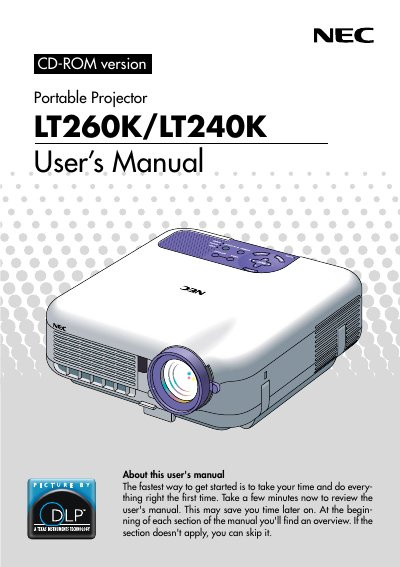

NEC LT260K/LT240K Portable Projector User's Manual - cover page
Brand
NEC
Category
Projector
Document type
User Manual
Language
English
Pages
152
File format
PDF
File size
2.3 MB
Published
02 August, 2012
Updated
28 September, 2023
Models
LT260, LT240K
MD5 checksum
0CDC66BBE6E4A85085953664B40E79E7

About this manual

The NEC LT260K/LT240K is a portable projector designed to display images from various sources such as PCs, Macintosh computers, VCRs, DVD players, document cameras, and laser disc players. It supports projection sizes ranging from 30 to 500 inches diagonally and can be used on a tabletop, cart, or permanently mounted on a ceiling by qualified technicians.

What's inside

  • Introduction
  • Part Names of the Projector
  • Controls
  • Power On/Off
  • Image Display
  • Network Connection
  • Lamp Replacement
  • Maintenance
  • Warranty Information

Frequently asked questions

What is the maximum diagonal image size this projector can display?

The LT260K/LT240K enables you to project precise images up to 500 inches across (measured diagonally).

What is the power rating of the high-bright lamp included with this projector?

The LT260K/LT240K features a high-bright 220 watt DC lamp.

How long must you hold the POWER button to turn the projector on or off?

To turn on or off the projector, press and hold this button for a minimum of two seconds.

Download PDF (2.3 MB)

More NEC Manuals


View all NEC manuals →