
This document introduces the user's manual for the LT260/LT240/LT220 portable projector. The projector allows you to project precise images from your PC or Macintosh computer, VCR, DVD player, document camera, laser disc player, or viewer.
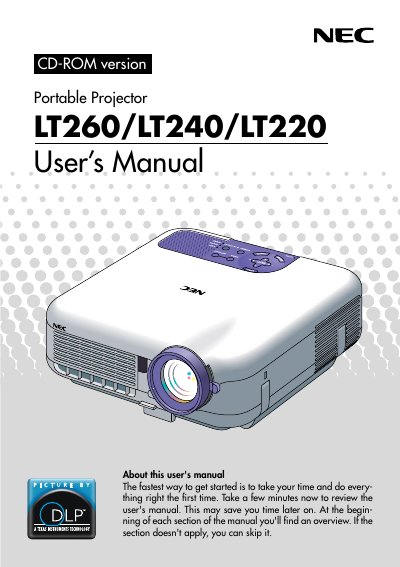
This manual introduces the NEC LT260/LT240/LT220 portable projectors, highlighting features such as the 3D Reform function for keystone correction, built-in security, and support for various video standards including NTSC, PAL, and SECAM. It details the projector's capabilities to display images up to 500 inches diagonally from various sources like PCs, VCRs, and DVD players.
| Resolution | 1024 x 768 pixels (LT220: 800 x 600) |
|---|---|
| Lamp Power | 220 W DC |
| Image Size | 30 inches - 500 inches diagonal |
| Video Compatibility | NTSC, PAL, SECAM, HDTV |
Press and hold the POWER button for a minimum of two seconds.
It indicates that an error has occurred, the lamp cover is not attached properly, or the projector has overheated.
Replace the lamp as soon as possible if the LAMP indicator light blinks red rapidly, indicating it has exceeded 1500 hours of service.