
Key facts
Start here
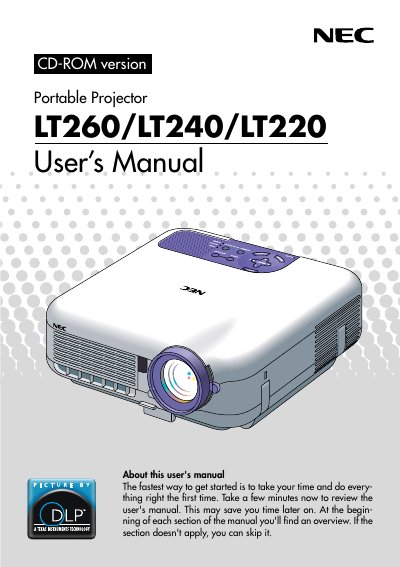
NEC LT260/LT240/LT220 Portable Projector User's Manual
This manual provides instructions for the NEC LT260, LT240, and LT220 portable projectors. It covers features such as the 3D Reform function, Advanced AccuBlend technology, and support for various video standards including NTSC, PAL, and SECAM. The document guides users through connecting the projector to PCs, Macintosh computers, and other video sources like VCRs and DVD players.
Read onlineNEC LT220 specifications
| Resolution | UXGA (1600 x 1200) |
|---|---|
| Lamp Power | 220 watt DC lamp |
| Projection Size | 30 to 500 inches |
| Horizontal Frequency | 24 to 100 kHz |
| Vertical Frequency | 50 to 120 Hz |
Source: NEC LT260/LT240/LT220 Portable Projector User's Manual
All NEC LT220 documents by type
Day-to-day operation, settings and troubleshooting. Start here if the product is already set up.
Questions answered in these manuals
How do I turn the projector on or off?
Press and hold the POWER button for a minimum of two seconds.
From: NEC LT260/LT240/LT220 Portable Projector User's Manual
What does a rapidly blinking red STATUS indicator mean?
It indicates that an error has occurred, the lamp cover is not attached properly, or the projector has overheated.
From: NEC LT260/LT240/LT220 Portable Projector User's Manual
How do I turn on or off the projector?
Press and hold the POWER button for a minimum of two seconds.
From: NEC LT260/LT240/LT220 Portable Projector User's Manual
What does the STATUS indicator mean if it blinks red rapidly?
It indicates that an error has occurred, the lamp cover is not attached properly, or the projector has overheated.
From: NEC LT260/LT240/LT220 Portable Projector User's Manual