
Key facts
- Brand
- Motorola
- Model
- MXV3
- Industry
- Electronics
- Documents
- 2
- Languages
- EN
- Last added
- 2012-05-03
Start here
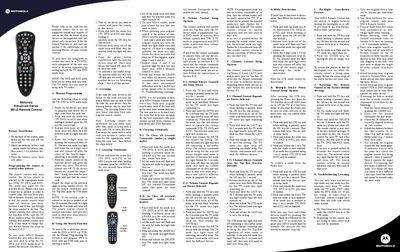
Motorola MXv3 Remote Control User Manual
This manual explains how to install the batteries (2 AA alkaline) and set up the remote for TV, DVD, AUX, and Set‑Top‑Box devices. It covers manual programming with 4‑digit codes, using the search function, and the learning feature to copy commands from an original remote.
Additional sections describe how to clear learned commands, configure volume and channel control behavior, enable or disable device power control, toggle the backlight, reset the remote to factory defaults, and troubleshoot common learning issues.
Motorola MXV3 specifications
| Battery type | AA alkaline |
|---|---|
| Supported mode keys | TV, DVD, AUX, STB |
| Code entry length | 4‑digit |
All Motorola MXV3 documents by type
Day-to-day operation, settings and troubleshooting. Start here if the product is already set up.
Questions answered in these manuals
How do I install the batteries in the MXv3 remote?
Open the battery cover on the back, match the polarity marks, and insert two AA alkaline batteries before closing the cover.
How can I program a TV, DVD, or AUX device?
Press and hold the desired mode key, press OK for one second, release, then enter the 4‑digit code for the device.
What batteries does the MXv3 remote use?
The remote uses two AA alkaline batteries installed in the battery compartment.