
This document is a user manual for Motorola MXv3 remote control, which introduces the basic operation methods and function of the remote control.
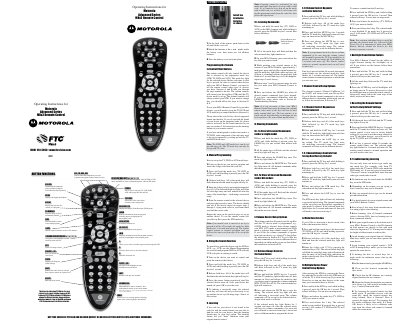
This manual covers the basic operation of the Motorola MXv3 Remote Control, including menu navigation, volume and channel controls, and the functions of each mode key (TV, DVD, AUX, STB). It also explains how to install the two AA alkaline batteries and how to use the remote to control multiple devices.
Detailed sections guide you through programming device codes, using the search function, learning commands from an original remote, clearing learned commands, configuring volume and channel behavior, deactivating modes, and resetting the remote to factory defaults. A troubleshooting section addresses common learning issues and provides tips for successful setup.
| Battery type | AA alkaline |
|---|---|
| Supported mode keys | TV, DVD, AUX, STB |
| Code entry length | 4‑digit |
The remote uses two AA alkaline batteries installed in the battery compartment.