
This document describes how to install batteries and program the remote control, as well as the features and functions of the remote control.
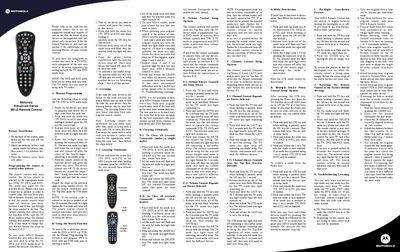
This manual explains how to install the batteries (2 AA alkaline) and set up the remote for TV, DVD, AUX, and Set‑Top‑Box devices. It covers manual programming with 4‑digit codes, using the search function, and the learning feature to copy commands from an original remote.
Additional sections describe how to clear learned commands, configure volume and channel control behavior, enable or disable device power control, toggle the backlight, reset the remote to factory defaults, and troubleshoot common learning issues.
| Battery type | 2 AA alkaline batteries |
|---|---|
| Code length | 4‑digit code |
Open the battery cover on the back, match the polarity marks, and insert two AA alkaline batteries before closing the cover.
Press and hold the desired mode key, press OK for one second, release, then enter the 4‑digit code for the device.
Hold the mode key and the LEARN key together for one second, release, then press the DELETE key to erase the learned commands.
Hold the TV key and OK key for one second, then hold the DELETE key for three seconds until the mode key blinks and turns off.