
User guide of Wireless-G USB Network Adapter, introduces the features and characteristics of the product.
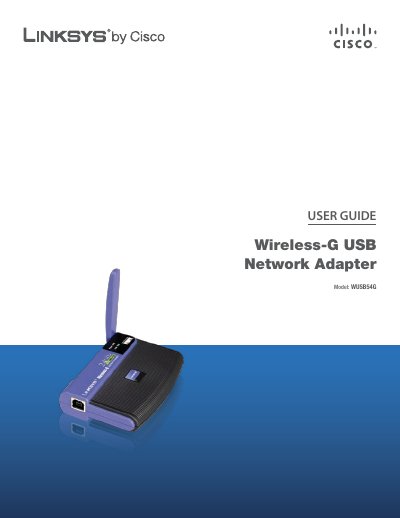
The Linksys WUSB54G Wireless‑G USB Network Adapter enables wireless connectivity for computers using the 802.11g/b standards. This guide explains the adapter’s LEDs, power requirements, and basic operation.
The manual covers a wireless security checklist, detailed configuration using the Wireless Network Monitor, profile management, SecureEasySetup, and includes a full specifications table, warranty information, regulatory notices, and the software license agreement.
| Standards | 802.11g, 802.11b, USB 1.1, USB 2.0 |
|---|---|
| LED Indicators | Power, Link |
| Transmit Power | 15-17 dBm |
| Receive Sensitivity | 11 Mbps @ -82 dBm (Typical) / 54 Mbps @ -67 dBm (Typical) |
| Security Features | WEP and WPA Encryption |
| Security Key Bits | Up to 128‑Bit Encryption |
| Dimensions | 3.58" x 0.91" x 2.80" (91 x 23 x 71 mm) |
| Unit Weight | 2.82 oz (80 g) |
| Operating Temperature | 32 to 131ºF (0 to 55ºC) |
The adapter supports WEP and WPA/WPA2 encryption with up to 128‑bit security keys.