
Linksys WUSB54G Wireless-G USB Network Adapter User Guide

User Guide to the Wireless-G USB Network Adapter.
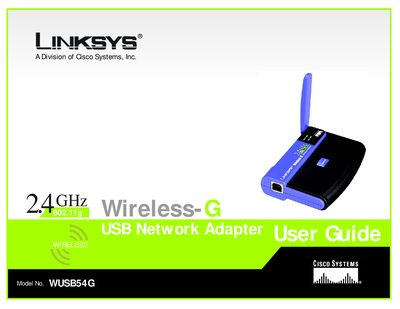

Linksys WUSB54G Wireless-G USB Network Adapter User Guide - cover page
Brand
Linksys
Category
Other
Document type
User Manual
Language
English
Pages
55
File format
PDF
File size
1.5 MB
Published
20 March, 2012
Updated
30 September, 2023
Model
WUSB54G
MD5 checksum
E65DE7255F88D8BD587D6A35D9782B9B

About this manual

The Linksys WUSB54G Wireless-G USB Network Adapter allows users to connect USB-equipped desktop or notebook computers to wireless networks at speeds up to 54Mbps. It utilizes USB 2.0 and Wireless-G (802.11g) technologies, offering compatibility with both USB 1.1 and 2.0 ports, as well as the Wireless-B (802.11b) standard. The device is powered directly through the USB connection, eliminating the need for a separate power cord.

What's inside

  • Introduction
  • Planning Your Wireless Network
  • Getting to Know the Adapter
  • Setting up the Adapter
  • Connecting the Adapter
  • Using the Wireless Network Monitor
  • Troubleshooting
  • Wireless Security
  • Specifications
  • Warranty Information

Specifications

Data Rateup to 54Mbps
Wireless Standard802.11g
Compatible Standard802.11b
Encryption128-bit
USB CompatibilityUSB 1.1 and 2.0

Frequently asked questions

Does the Linksys WUSB54G require a power cord?

No, the adapter gets its power through the USB connection, so no power cord is necessary.

What is the maximum data transfer rate of the WUSB54G?

The adapter delivers data rates up to 54Mbps.

Is the WUSB54G compatible with USB 1.1 ports?

Yes, it is compatible with both USB 1.1 and 2.0 ports, though 2.0 yields the fastest speeds.

Download PDF (1.5 MB)

More Linksys Manuals


View all Linksys manuals →