
This user guide introduces how to configure and use Cisco Wireless-G Access Point WAP200.
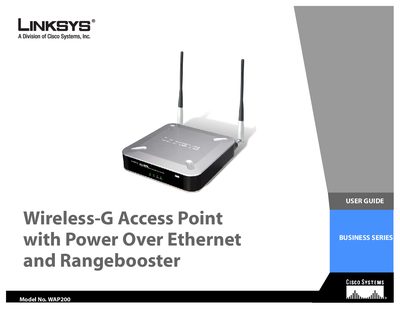
This guide introduces the Linksys WAP200 Wireless‑G Access Point, explaining its purpose, PoE capability, and support for up to four wireless networks using VLAN technology. It covers basic networking concepts and the benefits of using an access point to extend wireless coverage.
The manual walks you through planning your network, identifying physical features, connecting the device, and using the web‑based utility for setup and advanced configuration. Appendices provide troubleshooting tips, security guidance, firmware upgrade steps, specifications, warranty details, regulatory information, and contact resources.
PoE (Power over Ethernet) is a technology that enables an Ethernet cable to deliver both data and power.
The WAP200 can support communications on up to four wireless networks using VLAN technology.
Firmware upgrades are described in Appendix C of the guide.