
Linksys SFE2000/SFE2000P Fast Ethernet Switch Administration Guide

This document introduces the features and characteristics of the SFE2000/SFE2000P Fast Ethernet Switch and its usage methods
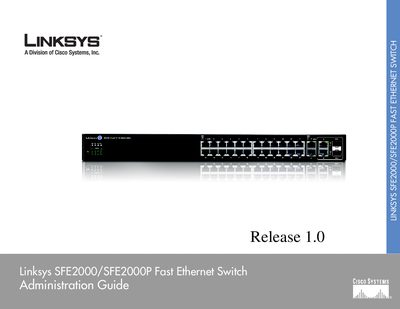

Linksys SFE2000/SFE2000P Fast Ethernet Switch Administration Guide - cover page
Brand
Linksys
Category
Network Switches
Document type
User Manual
Language
English
Pages
72
File format
PDF
File size
3.2 MB
Published
20 March, 2012
Updated
30 September, 2023
MD5 checksum
257E1A053BB43B66F4989C32FCE3E0E5

About this manual

This guide introduces the Linksys SFE2000/SFE2000P Fast Ethernet Switch, describing its physical features, front and back panel LEDs, ports, and power options. It explains how to install the switch in various placements, connect cables, and configure stacking.

The manual covers console configuration, web‑based utility setup, security features, SNMP management, and troubleshooting, including LED indicators, stack maintenance, and warranty information. Appendices provide contact details, regulatory statements, and specifications.

What's inside

  • Introduction
  • Getting to Know the Switch
  • Connecting the Switch
  • Console Configuration
  • Web Utility Configuration
  • Stacking and Maintenance
  • Appendix A: Contact Information
  • Appendix C: Limited Warranty
  • Appendix E: Specifications

Frequently asked questions

How many Ethernet ports does the SFE2000 switch have?

It provides twenty‑four ports for connecting workstations or other devices.

What power option does the SFE2000P model support?

The SFE2000P model supports Power over Ethernet (PoE).

How can the switch be managed?

The switch can be managed via the Linksys One Portal, a web browser, or the console interface.

Download PDF (3.2 MB)

More Linksys Manuals


View all Linksys manuals →