
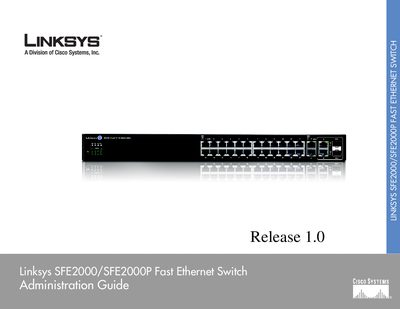
This guide introduces the Linksys SFE2000/SFE2000P Fast Ethernet Switch, describing its physical features, LED indicators, ports, and optional Power over Ethernet capability. It explains how the switch integrates with the Linksys One system and outlines security and management protocols such as RADIUS, TACACS+, SNMP, and the Linksys One Portal.
The manual is organized into chapters covering hardware overview, installation options, console and web‑based configuration, stacking multiple units, and troubleshooting. Appendices provide contact information, warranty details, regulatory statements, and full technical specifications.
| Number of ports | 24 |
|---|
The switch provides twenty‑four Ethernet ports.
The switch can be managed via a web browser, the console interface, and SNMP.