
The Linksys RE1000 Wireless-N Extender is a device that can extend the range of your wireless network. This guide provides instructions on how to install and configure the extender.
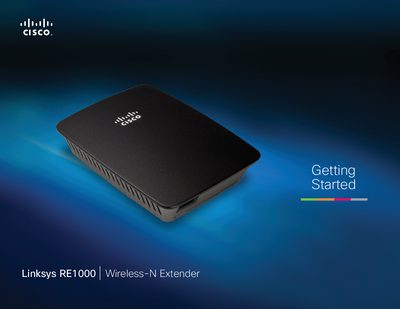
This guide walks you through installing the Linksys RE1000 range extender, connecting it to your existing Wi‑Fi network, and using the browser‑based utility for advanced configuration. It covers power plug options, Wi‑Fi Protected Setup, PIN entry, and troubleshooting common issues.
The manual also lists the technical specifications of the RE1000, including wireless standards, ports, antenna gain, transmit power, and environmental ratings, helping you verify performance and compliance.
| Wireless Standards | IEEE 802.11n, 802.11a, 802.11b, 802.3u |
|---|---|
| Ports | Fast Ethernet, C7 connector for localized AC cable or clip |
| LEDs | Backlit Cisco logo, Ethernet (active, traffic) |
| Transmit Power (20 MHz) | 17.0 ± 1.5 dBm @ CH6, mcs0‑4,mcs8‑12 |
| Receive Sensitivity (1 Mbps) | -91 dBm |
| Power Supply | Internal AC/DC, 100‑240 V, 0.5 A |
Press and hold the Reset button for about eight seconds, or use the Administration > Factory Defaults screen in the browser‑based utility.
The default password is "admin"; leave the User Name field blank and enter admin as the password.
Press the plug release latch, slide the AC plug off the extender, then attach an AC cable to the power connector.