
This document is the user guide for Linksys RE1000 wireless bridge. It introduces the function features, installation and use, management and other aspects of the product.
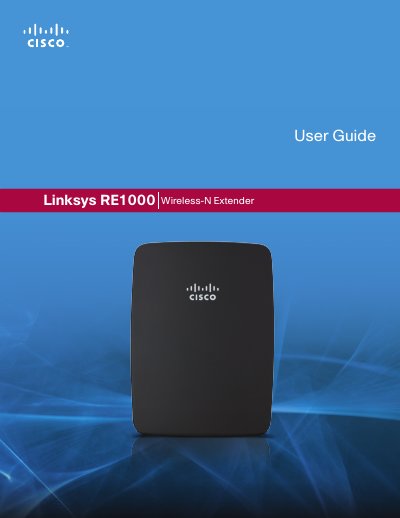
The RE1000 Wireless‑N Extender repeats the wireless signal of any access point or router, offering both wireless and Ethernet connectivity. The guide covers product overview, advanced setup, administration, status monitoring and specifications.
Detailed instructions explain how to access the browser‑based utility, configure basic and advanced wireless settings, use Wi‑Fi Protected Setup, manage security options, and interpret status statistics. Appendices list technical specifications and regulatory information.
| Model Name | Linksys RE1000 |
|---|---|
| Model Number | RE1000 |
| Standards | IEEE 802.11n, 802.11g, 802.11b, 802.3u |
| Ports | Fast Ethernet, C7 connector |
| Antennas | 2 (internal) |
| Antenna Gain | 3.5 dBi |
| Wireless Security | WPA2, WPA Mixed, WPA Personal, WEP |
| Dimensions | 4.92" x 3.62" x 1.29" (125 x 92 x 33 mm) |
| Weight | 9.9 oz (280 g) |
| Power Supply | Internal AC/DC 100‑240 V, 0.5 A |
| Operating Temperature | 32 °F to 104 °F (0 °C to 40 °C) |
Press and hold the Reset button for approximately eight seconds.
Enter 192.168.1.1 as the default IP address in a web browser.
The extender includes two internal antennas.
It supports WPA2, WPA/WPA Mixed Mode, WPA Personal and WEP.