
This document is an installation guide for Linksys' Instant Broadband™ Series EtherFast® Cable/DSL VPN Router with 4-Port 10/100 Switch. The document describes the features and characteristics of the product.
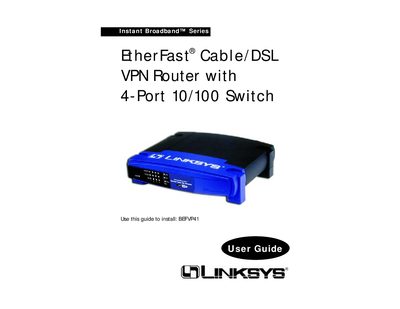
This guide covers everything needed to set up the Instant Broadband™ EtherFast® Cable/DSL VPN Router, including hardware connections, IP configuration, and VPN setup. It explains the router’s rear panel ports, front‑panel LEDs, and how to use the built‑in DHCP server.
Detailed chapters describe VPN concepts, IPSec configuration, security features, and troubleshooting steps, while appendices provide specifications, warranty information, and contact details for Linksys technical support.
| Simultaneous VPN tunnels | Up to 70 |
|---|---|
| Hardware security co‑processor | Included |
| DHCP server | Acts as a DHCP Server for your network |
| NAT, PPPoE, IP filter, MAC filter | Supported |
| Encryption algorithms | 56‑bit DES and 168‑bit 3DES |
| Authentication methods | MDS and SHA |
| Key management | IKE |
It supports up to 70 simultaneous tunnels.
It supports 56‑bit DES and 168‑bit 3DES encryption algorithms.
Press and hold the Reset button until the red Diag LED turns on and off completely.
The router provides a WAN port, four LAN ports (1‑4), a crossover switch, and a power port.