
This is a user manual for Kodak EasyShare M341 Digital Camera
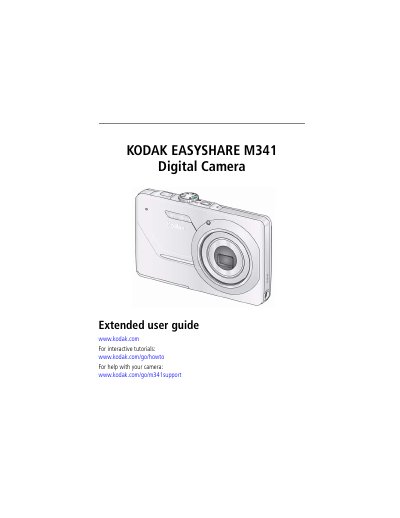
This document is the extended user guide for the Kodak EasyShare M341 digital camera. It provides comprehensive instructions on setting up the device, including attaching the strap, loading the KLIC-7001 battery, and configuring language and date/time settings. The guide also details how to store pictures on optional SD or SDHC cards.
| Effective pixels | 12.2 MP (4024 x 3022) |
|---|---|
| LCD screen | 2.7 in. (6.9 cm); 230K pixels |
| Internal storage | 32 MB (26 MB available) |
| Optical zoom | 3X |
| Shutter speed | 1/1400–8 seconds |
| ISO speed | 80–1600 (Manual: 80, 100, 200, 400, 800, 1600) |
| Face detection | Up to 5 faces |
It takes approximately 3 hours to finish charging the battery.
The camera supports SD cards up to a maximum size of 32 GB.
The camera can detect up to 5 faces.