
Key facts
- Brand
- JVC
- Model
- GZ-HM200
- Industry
- Electronics
- Documents
- 3
- Languages
- EN · ZH
- Last added
- 2026-10-25
Start here
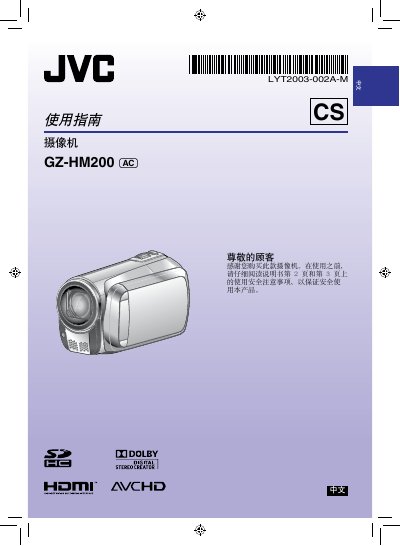
JVC GZ-HM200 Camcorder User Manual
This manual begins with safety precautions, including fire and electric‑shock warnings, proper handling of the battery and power adapter, and environmental restrictions. It also explains how to install and replace the CR2025 battery, and how to connect the AC adapter (100‑240 V).
The guide then covers basic operation such as date/time setting, LCD monitor use, recording video in AVCHD format, playback functions, SD‑card management, HDMI output, and software licensing for the Digital Photo Navigator program. This manual is written in Chinese.
All JVC GZ-HM200 documents by type
Day-to-day operation, settings and troubleshooting. Start here if the product is already set up.
Questions answered in these manuals
What is the maximum temperature at which the lithium battery should not be heated?
The battery must not be heated above 100°C.
What is the minimum required ventilation space on all sides of the unit?
The unit requires at least 10 cm of space on all sides for ventilation.
What type of battery does the GZ‑HM200 use?
It uses a CR2025 lithium battery.
In which format does the camcorder record video?
The camcorder records video in AVCHD format.
What is the maximum temperature for charging or storing the lithium battery?
Do not charge, disassemble, heat above 100 °C, or burn the device's lithium battery.
What is the required ventilation space around the camcorder when installed?
You must leave at least 10 cm of space on both sides, top, and back for ventilation.