
Key facts
- Brand
- JVC
- Model
- GZ-E10
- Category
- Digital cameras
- Industry
- Electronics
- Documents
- 4
- Languages
- ZH-TW · ZH · EN
- Last added
- 2026-10-15
Start here
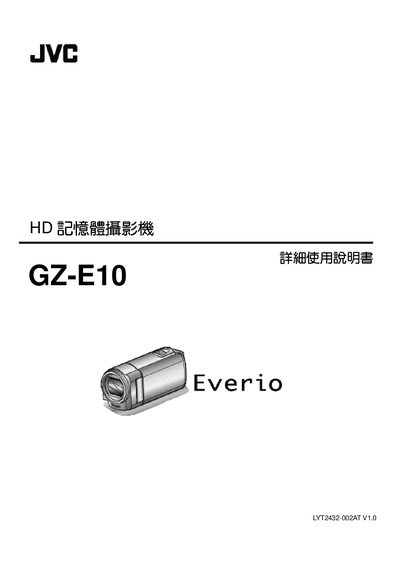
JVC GZ-E10 HD Camcorder User Manual
This document serves as a detailed user guide for the JVC GZ-E10 HD Camcorder. It provides comprehensive instructions on operating the device, including how to charge the battery, insert SD cards, and adjust camera settings such as white balance and backlight compensation.
The manual also covers advanced features like face recognition AE/AF, time-lapse recording, and automatic recording based on motion detection. Additionally, it includes sections on connecting the camcorder to TVs via HDMI or AV terminals, transferring files to computers, and troubleshooting common issues. This manual is written in Chinese.
JVC GZ-E10 specifications
| Video Resolution | 1920x1080 pixels |
|---|---|
| Optical Zoom | 40x |
| Image Stabilizer | Digital Image Stabilizer |
| Auto Recording Scenes | 12 types |
| Interfaces | HDMI, USB, AV Out |
All JVC GZ-E10 documents by type
Day-to-day operation, settings and troubleshooting. Start here if the product is already set up.
Questions answered in these manuals
What is the recommended battery capacity for long trips?
For long trips, you should prepare several large-capacity batteries.
What is the voltage range supported by the AC power adapter?
The AC power adapter supports voltages from 100V to 240V.
What type of SD cards are compatible?
The manual lists a specific section for checking compatible SD card types, though the specific list is not extracted in the provided text.
Can I record while charging the battery?
No, the manual states that when the AC adapter is connected to charge the battery, recording cannot be performed.
How do I charge the battery pack when traveling overseas?
Use the JVC AC adapter together with a commercially available power‑plug converter for the destination country.
What is the recommended way to clean the camcorder lens?
Use a lens blower to remove dust and a cleaning cloth; avoid solvents such as alcohol or benzene.