
JVC GZ-HM200 HD Camcorder User Manual

This is the user manual for the JVC GZ-HM200 HD Camcorder, covering safety, operation, recording, playback, and software usage.
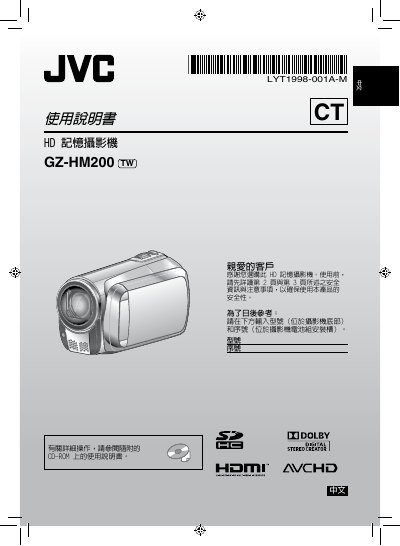

JVC GZ-HM200 HD Camcorder User Manual - cover page
Brand
JVC
Document type
User Manual
Language
Chinese
Pages
52
File format
PDF
File size
9.5 MB
Updated
20 October, 2026
MD5 checksum
DFF1D5424A7F654BF7B31EFD83AA8FAE

About this manual

This manual provides instructions for the JVC GZ-HM200 HD Camcorder, including safety precautions, battery handling, and initial setup. It details how to adjust the grip, insert the SD memory card, and set the date and time on the device. This manual is written in Chinese.

What's inside

  • Safety Precautions
  • Date/Time Setting
  • Recording
  • Playback
  • JVC Software License Agreement
  • Battery Handling
  • SD Memory Card Usage

Frequently asked questions

What is the maximum temperature for charging or storing the lithium battery?

Do not charge, disassemble, heat above 100 °C, or burn the device's lithium battery.

What is the required ventilation space around the camcorder when installed?

You must leave at least 10 cm of space on both sides, top, and back for ventilation.

What is the voltage range supported by the AC power adapter?

The AC power adapter connects to an AC power outlet ranging from 110V to 240V.

Download PDF (9.5 MB)

More JVC Manuals


View all JVC manuals →