
This document is a user guide that provides safety precautions and features of the CS camera.
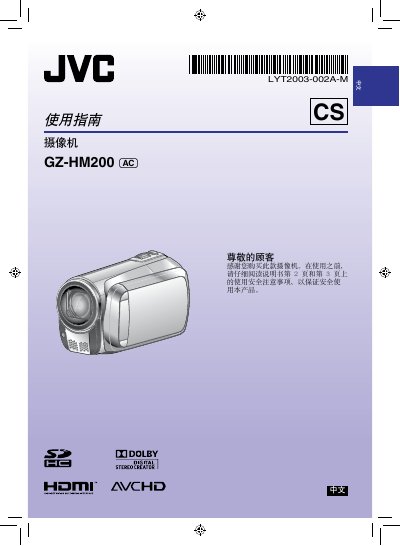
This manual begins with safety precautions, including fire and electric‑shock warnings, proper handling of the battery and power adapter, and environmental restrictions. It also explains how to install and replace the CR2025 battery, and how to connect the AC adapter (100‑240 V).
The guide then covers basic operation such as date/time setting, LCD monitor use, recording video in AVCHD format, playback functions, SD‑card management, HDMI output, and software licensing for the Digital Photo Navigator program. This manual is written in Chinese.
| Battery type | CR2025 |
|---|---|
| Video recording format | AVCHD |
It uses a CR2025 lithium battery.
The camcorder records video in AVCHD format.
Select the date/time setting option on the LCD monitor and follow the on‑screen prompts.
Yes, the camcorder provides an HDMI output for TV connection.