
Key facts
Start here
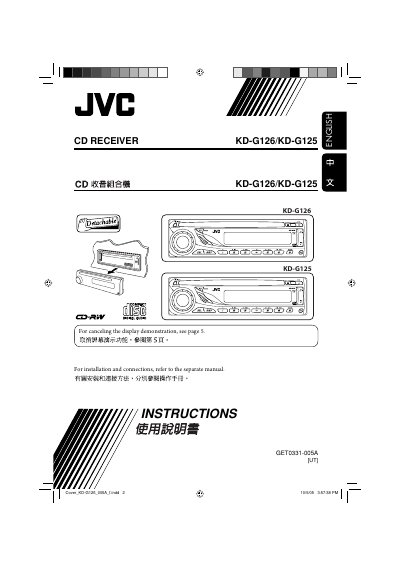
JVC KD-G126/KD-G125 CD Receiver User Manual
This manual covers all aspects of using the JVC KD-G126/KD-G125 CD Receiver, including control panel functions, basic operation, radio and disc handling, sound adjustments, and preferred setting mode (PSM). It also includes safety warnings, maintenance tips, and a specifications sheet.
The guide explains how to reset the unit, cancel display demonstrations, and properly clean connectors, ensuring reliable performance in automotive environments.
JVC KD-G125 specifications
| Volume range | 0‑30 or 0‑50 |
|---|---|
| Bass adjustment range | -6 to +6 |
| Treble adjustment range | -6 to +6 |
| Subwoofer output level | 0‑8 |
| Fader (front‑rear balance) range | -6 to +6 |
| Speaker balance range | -6 to +6 |
All JVC KD-G125 documents by type
Day-to-day operation, settings and troubleshooting. Start here if the product is already set up.
Questions answered in these manuals
How do I reset the unit?
Press the reset button; the unit will reset, erase preset adjustments and eject any loaded disc.
How can I cancel the display demonstration?
Select DEMO, then choose DEMO OFF to cancel the display demo.
How do I cancel the display demonstration?
Select “DEMO,” then “DEMO OFF.”
How can I lock a disc to prevent it from being ejected?
Press and hold the disc lock button to lock the disc; repeat the procedure to unlock.