
Key facts
Start here
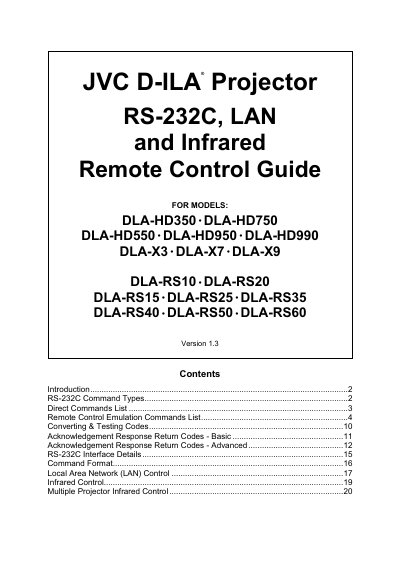
JVC D-ILA Projector RS-232C Manual(1)
The Remote Control Guide explains how to operate JVC D‑ILA projectors via RS‑232C, infrared remote, or LAN. It lists the supported projector models and gives raw hexadecimal command codes for each function.\n\nThe document describes Direct Commands and Remote Control Emulation Commands, shows how to convert the hex codes for control systems such as Crestron or AMX, and includes information on acknowledgement response codes and testing tools.
Read onlineAll JVC RS-232C documents by type
Instruction set, parameters and examples for configuring or programming the device.
Questions answered in these manuals
What is the hex code to turn the projector on via RS‑232C?
Use the hex code 21 89 01 50 57 31 0A to power on the projector.
Which projector models support LAN control?
LAN control is supported on the DLA‑X7, DLA‑X9, DLA‑RS50 and DLA‑RS60 models.
How can I verify that the RS‑232C connection is working?
Send the null command (hex 21 89 01 00 00 00) to the projector; it returns a response if communication is OK.
Which command turns the projector power off?
Transmit the hex code 21 89 01 50 57 30 0A to power the projector off.