
Key facts
Start here
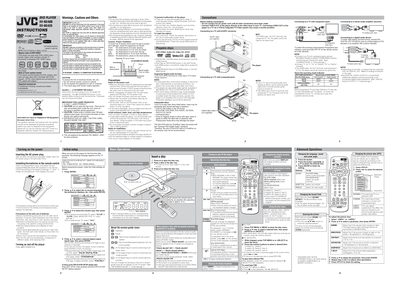
JVC XV-N340B / XV-N342S DVD Player User Manual
This manual covers the basic setup of the JVC XV‑N340B and XV‑N342S DVD players, including power connection, remote‑control battery installation, and initial language and picture settings. It also details safety warnings, disposal instructions, and proper ventilation requirements.
The guide explains how to operate the player, insert and play various disc types, adjust playback settings, and connect audio/video outputs such as SCART, component, and digital coaxial. Menu‑bar functions, track‑adjust, and advanced features like digital audio output are described for both DVD‑Video and other supported formats.
JVC XV-N342S specifications
| Color system | PAL (NTSC conversion supported) |
|---|---|
| Supported digital audio formats | Linear PCM, MPEG Multichannel, Dolby Digital, DTS |
| Standby power consumption | 1.0 W |
All JVC XV-N342S documents by type
Day-to-day operation, settings and troubleshooting. Start here if the product is already set up.
Questions answered in these manuals
How can I connect the digital audio output?
Connect the DIGITAL OUT (coaxial) jack to a Dolby Digital or DTS decoder or an amplifier that has a built‑in decoder.
How do I change the on‑screen language during initial setup?
Press the a/v button to select the desired language, then press ENTER.
What disc formats can this player play?
It can play DVD‑VIDEO, Audio CD, Video CD, SVCD, DVD‑R/‑RW (UDF), CD‑R/‑RW, MP3/JPEG/DivX files on CD‑R/‑RW and DVD‑R/‑RW discs.
How do I change the screen type for a widescreen TV?
Enter the initial setup menu, select the screen type option, and choose 16:9 for widescreen or 4:3/4:3‑panorama for standard TVs.