
Key facts
- Brand
- JVC
- Model
- GR-DX95
- Documents
- 2
- Languages
- EN
- Last added
- 2011-11-13
Start here
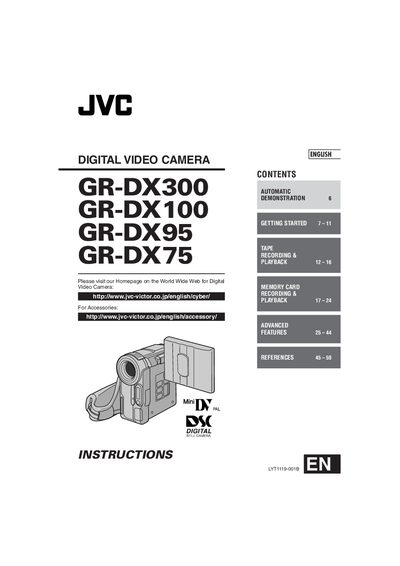
JVC GR-DX300/GR-DX100/GR-DX95/GR-DX75 Digital Video Camera User Manual
This manual covers the JVC GR‑DX300, GR‑DX100, GR‑DX95 and GR‑DX75 digital video cameras. It explains safety precautions, how to attach accessories, power and grip adjustments, and basic operation such as loading a cassette or memory card.
Further sections describe advanced features like night‑scope, self‑timer, dubbing, remote‑control functions, battery charging, AC adapter usage, and troubleshooting. A specifications section lists battery and power details, and the manual ends with regulatory information.
JVC GR-DX95 specifications
| Battery pack model | BN‑V107U (also BN‑V114U, BN‑V856U optional) |
|---|---|
| Battery charging time | ≈ 1 hr 30 min (BN‑V107U), ≈ 3 hr (other packs) |
| AC adapter voltage range | 110 V – 240 V (automatic selection) |
| Recording time with BN‑V107U | LCD monitor: 5 min, Viewfinder: 1 hr 25 min |
| Charging temperature range | 10 °C – 35 °C (ideal 20 °C – 25 °C) |
All JVC GR-DX95 documents by type
Day-to-day operation, settings and troubleshooting. Start here if the product is already set up.
Questions answered in these manuals
How long does it take to fully charge the battery pack?
Charging the BN‑V107U pack takes about 1 hour 30 minutes, while other packs take roughly 3 hours.
What voltage range does the AC adapter support?
The supplied AC adapter automatically selects voltage from 110 V to 240 V.