
Key facts
- Brand
- JVC
- Model
- GZ-MC200
- Category
- Digital cameras
- Industry
- Electronics
- Documents
- 2
- Languages
- EN · ZH
- Last added
- 2011-11-21
Start here
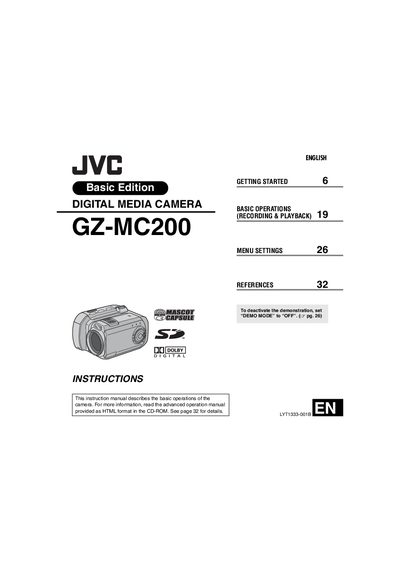
JVC GZ-MC200 Digital Media Camera User Manual
This user manual provides step‑by‑step instructions for operating the JVC GZ‑MC200 digital media camera. It covers getting started, basic recording and playback functions, menu navigation, safety information and recommended accessories.
The guide also details supported recording media (CompactFlash, SD cards and a removable 4 GB hard disk), USB 2.0 file transfer, power requirements, connector types and indicator functions, helping users achieve optimal video and still‑image quality.
JVC GZ-MC200 specifications
| USB Interface | USB 2.0 |
|---|---|
| Audio Output Level | 300 mV (rms), 1 kΩ, stereo |
| Power Input | AC 110 V‑240 V, 50/60 Hz |
| DC Output (Adapter) | 11 V, 1 A |
All JVC GZ-MC200 documents by type
Day-to-day operation, settings and troubleshooting. Start here if the product is already set up.
Questions answered in these manuals
How can I transfer video and still images to a computer?
Connect the camera to a PC with the USB 2.0 cable and use the bundled Cyberlink software to edit and copy files.
What power source does the camera require?
Use the supplied multi‑voltage AC adapter (110 V‑240 V) or the JVC BN‑VM200U battery pack.
What types of memory cards can be used with the GZ‑MC200?
The camera records to CompactFlash (CF) cards, SD cards, and a microdrive that is compatible with CF+ Type II.
How can the camera be connected to a printer for direct printing?
Connect the camera to a PictBridge‑compatible printer using a USB cable.