
Key facts
- Brand
- JVC
- Model
- GZ-HM650
- Industry
- Electronics
- Documents
- 2
- Languages
- EN · JA
- Last added
- 2012-05-10
Start here
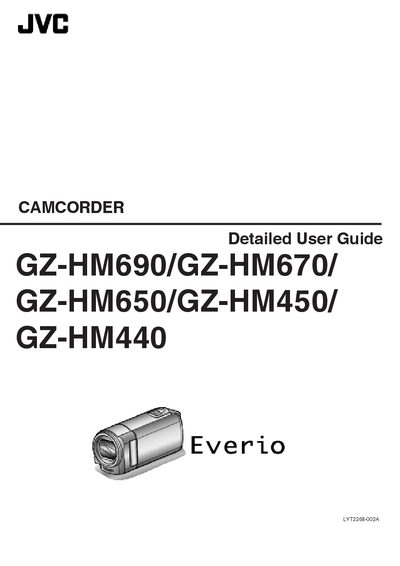
JVC GZ-HM690/GZ-HM670/GZ-HM650/GZ-HM450/GZ-HM440 Detailed User Guide
This guide covers everything you need to start using the JVC GZ‑HM series camcorders, from verifying accessories and charging the battery pack (including overseas charging) to inserting SD cards, adjusting the touch screen, and setting the clock and language. It also explains key features, model differences, grip adjustment, and optional accessories.
Later sections describe the various recording modes (intelligent auto, manual, time‑lapse, face‑recognition, animation effects), playback options, editing functions (deleting, protecting, trimming, uploading to YouTube), and how to connect the camcorder to a TV via HDMI, component or AV connectors. The final specifications list connectors, power requirements, dimensions, battery capacity, video/audio formats, and still‑image details.
JVC GZ-HM650 specifications
| HDMI output | HDMI™ mini connector |
|---|---|
| Power supply | AC 110 V‑240 V, 50/60 Hz |
| Output voltage | DC 5.2 V, 1 A |
| Dimensions | 66 mm × 28 mm × 47 mm |
| Battery capacity | 1400 mAh |
| Video recording format | AVCHD (AVC/H.264) |
| Maximum video resolution | 1920 × 1080 pixels |
| Audio format | Dolby Digital 2‑ch |
| Still image format | JPEG |
Source: JVC GZ-HM690/GZ-HM670/GZ-HM650/GZ-HM450/GZ-HM440 Detailed User Guide
All JVC GZ-HM650 documents by type
Day-to-day operation, settings and troubleshooting. Start here if the product is already set up.
Questions answered in these manuals
How can I charge the battery pack while traveling overseas?
Use the JVC AC adapter, which supports voltages from 100 V to 240 V, allowing you to charge the battery pack anywhere in the world.
From: JVC GZ-HM690/GZ-HM670/GZ-HM650/GZ-HM450/GZ-HM440 Detailed User Guide
What connectors are available for video output?
The camcorder provides an HDMI™ mini connector, a component output connector, and an AV output connector for video.
From: JVC GZ-HM690/GZ-HM670/GZ-HM650/GZ-HM450/GZ-HM440 Detailed User Guide
How do I insert an SD memory card?
Insert the SD memory card into the SD slot; supported card types are listed in the manual for each model.
From: JVC GZ-HM690/GZ-HM670/GZ-HM650/GZ-HM450/GZ-HM440 Camcorder User Manual
How do I enable automatic recording?
Select the automatic recording mode in the menu; the manual describes the steps under "利用感訂動作自動録影".
From: JVC GZ-HM690/GZ-HM670/GZ-HM650/GZ-HM450/GZ-HM440 Camcorder User Manual