
Key facts
- Brand
- JVC
- Model
- GZ-MG630
- Documents
- 2
- Languages
- EN · ZH
- Last added
- 2012-03-27
Start here
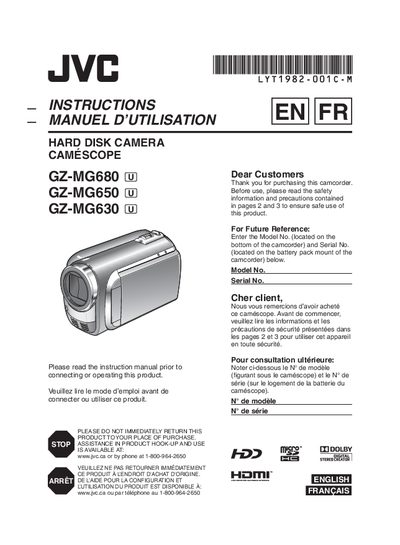
JVC GZ-MG680 / GZ-MG650 / GZ-MG630 Camcorder User Manual
This manual covers essential safety precautions, battery charging, and basic setup for the JVC GZ‑MG680, GZ‑MG650 and GZ‑MG630 camcorders. It explains how to attach the battery pack, use the AC adapter, and configure date, time and language settings.
The guide then walks you through video and still‑image recording, playback, editing, and connecting the camcorder to a TV. Additional sections cover file management, DVD burning, exporting to a PC, and troubleshooting common issues.
JVC GZ-MG630 specifications
| Maximum recording time (HD quality) on 60 GB HDD | 14 h 20 min |
|---|---|
| Image resolution (fine mode) | 832 × 624 |
| Battery charging time (BN‑VF808U) | 1 h 50 min |
| Battery recording time (BN‑VF808U) | 2 h 5 min |
Source: JVC GZ-MG630SU/RU/AU Digital Hard Disk Camcorder User Manual
All JVC GZ-MG630 documents by type
Day-to-day operation, settings and troubleshooting. Start here if the product is already set up.
Questions answered in these manuals
How can I set the date and time on the camcorder?
Open the LCD display, select the clock setting menu, choose your city or GMT offset, then adjust the date and time using the touch sensor and OK button.
From: JVC GZ-MG630SU/RU/AU Digital Hard Disk Camcorder User Manual
What type of battery should I use?
Only JVC‑approved battery packs (BN‑V808U, VF815U, VF823U) are recommended; other batteries are not guaranteed for safety or performance.
From: JVC GZ-MG630SU/RU/AU Digital Hard Disk Camcorder User Manual