
Key facts
- Brand
- JVC
- Model
- GZ-HD10
- Category
- Digital cameras
- Industry
- Electronics
- Documents
- 2
- Languages
- EN · ZH
- Last added
- 2026-10-12
Start here
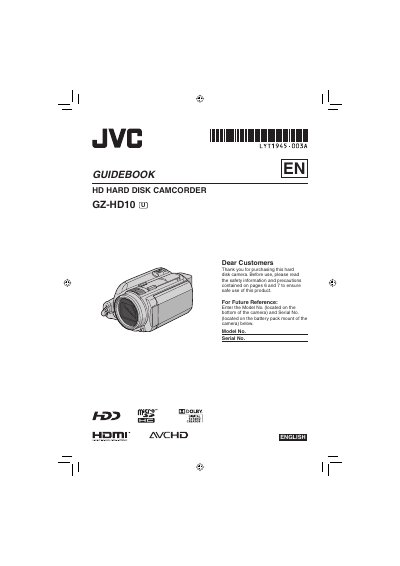
JVC GZ-HD10 Hard Disk Camcorder User Manual
This guidebook covers the essential operations of the JVC GZ-HD10 Hard Disk Camcorder, including initial setup, battery charging, and date/time configuration. It details how to record video and still images in AVCHD format, manage recording modes, and utilize the built-in hard disk for storage.
Read onlineJVC GZ-HD10 specifications
| Power (adapter) | DC 11 V |
|---|---|
| Power consumption | ≈ 4.8 W |
| Dimensions (W×H×D) | 71 mm × 68 mm × 123 mm |
| Weight (without battery) | ≈ 430 g |
| Weight (with battery) | ≈ 475 g |
| Recording format | AVCHD (MPEG‑4 AVC/H.264) |
| Video resolution | 1080/50i |
| Lens focal length | 3.2 mm – 32 mm (10:1 zoom) |
| Audio format | Dolby Digital (2‑ch) |
| HDMI output | HDMI 1.3 compatible |
Source: JVC high definition digital Hard disk camcorder GZ-HD10AC Manual
All JVC GZ-HD10 documents by type
Day-to-day operation, settings and troubleshooting. Start here if the product is already set up.
Questions answered in these manuals
What voltage range is supported by the AC adapter?
The AC adapter supports a voltage range of 110V to 240V.
How much space must be left around the camera for ventilation?
You must leave at least 10 cm (3-15/16") of space on all sides for ventilation.
What video recording format does the GZ‑HD10 use?
The camcorder records video in the AVCHD format (MPEG‑4 AVC/H.264).
From: JVC high definition digital Hard disk camcorder GZ-HD10AC Manual
What are the power requirements for the AC adapter?
The adapter works with AC 110 V to 240 V, 50/60 Hz and outputs DC 11 V at 1 A.
From: JVC high definition digital Hard disk camcorder GZ-HD10AC Manual