
Key facts
- Brand
- JVC
- Model
- DR-MV150B
- Category
- Video Player
- Industry
- Electronics
- Documents
- 2
- Languages
- EN
- Last added
- 2012-05-09
Start here
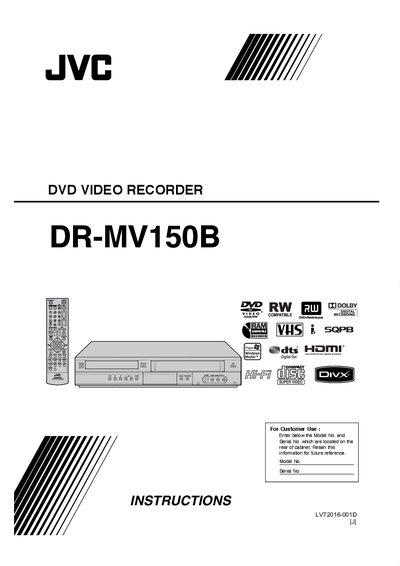
JVC DR-MV150B User Manual
This manual begins with safety warnings, including electric‑shock and laser‑class cautions, and explains proper ventilation, power‑cord handling, and the need for qualified service personnel. It also details the unit’s regional‑code restrictions and FCC compliance.
Subsequent sections cover hooking up the recorder, TV viewing, playback of various disc formats, recording options, editing functions, reference tables, troubleshooting tips, specifications, warranty terms, and service‑center contact information.
JVC DR-MV150B specifications
| Laser Class | Class 1 |
|---|---|
| FCC Compliance | Class B digital device |
| Regional Code | Printed on rear of unit; must match disc code or be "ALL" |
Source: JVC DR-MV150B User Manual
All JVC DR-MV150B documents by type
Day-to-day operation, settings and troubleshooting. Start here if the product is already set up.
Questions answered in these manuals
What should I do if the recorder causes TV or radio interference?
Reorient or relocate the receiving antenna, increase the distance between the recorder and the receiver, or connect the recorder to a different circuit.
What does the @ symbol on the TV screen mean?
It indicates that the selected function is not permitted by the unit or the current media.
How do I connect the antenna or cable TV to the DR-MV150B?
Connect the antenna or wall jack to the ANTENNA IN (Video/Audio) input and the cable TV or satellite box to the appropriate input as shown on page 1.
What disc formats can be played back on the DR-MV150B?
The unit can play DVD‑Video, DVD‑R, DVD+R, DVD‑RW, DVD+RW, DVD‑RAM, CD‑R, CD‑RW, Video CD and Audio CD discs.