
Key facts
- Brand
- JVC
- Model
- CU-VD40
- Category
- Other Electronics
- Industry
- Electronics
- Documents
- 2
- Languages
- EN · DE
- Last added
- 2012-03-13
Start here
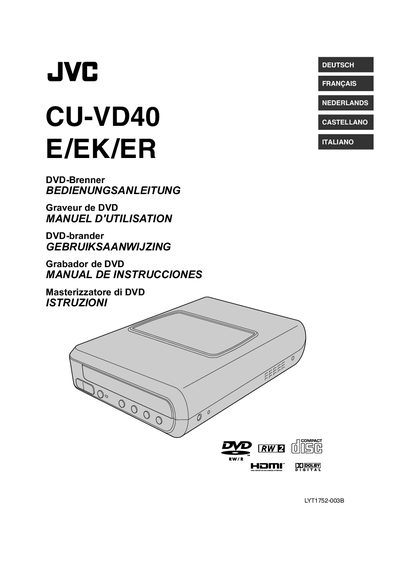
JVC CU-VD40 DVD Burner User Manual
This manual explains how to install and use the JVC CU-VD40 DVD burner. It covers safety precautions, required accessories, power connection, AV and HDMI connections, and how to place the unit on its stand. Detailed steps for opening the disc compartment, inserting discs, and preparing the remote control are included.
The guide also describes the six copying methods, how to view copied images and videos on a TV, and provides troubleshooting tips, error messages, and technical data such as supported disc types and battery specifications. This manual is written in German.
All JVC CU-VD40 documents by type
Day-to-day operation, settings and troubleshooting. Start here if the product is already set up.
Questions answered in these manuals
Can I use a PC to edit videos before creating DVDs?
No, the burner does not include support for Macintosh, and for editing videos, you should use the software provided with the camera.
What software is provided for writing data?
The provided data writing software is Power2Go 5.5 Lite.
How do I open or close the disc compartment?
Press the [OPEN/CLOSE] button on the burner or on the remote control.