
Key facts
- Brand
- JVC
- Model
- LT-42J300
- Category
- Television
- Industry
- Appliances
- Documents
- 2
- Languages
- EN
- Last added
- 2012-07-13
Start here
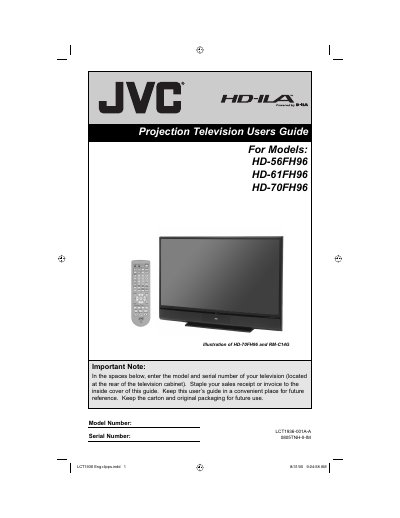
JVC LT-32J300 LT-32JM30 LT-42J300 user manual
This document is the user's guide for JVC's HD-56FH96, HD-61FH96, or HD-70FH96 HDTV-ready projection television. The device utilizes a high-quality HD-ILA projection system and includes detailed instructions on setup, operation, and maintenance.
Read onlineJVC LT-42J300 specifications
| Panel Resolution | 1920x1080 Full HD |
|---|---|
| Screen Size Class (32") | 31.5" Diagonal |
| Screen Size Class (42") | 42" Diagonal |
| HDMI Inputs | 3 |
| Component Inputs | 2 |
| S-Video Input | 1 |
Source: JVC LT-32J300/LT-32JM30/LT-42J300 LCD Television User's Guide
All JVC LT-42J300 documents by type
Day-to-day operation, settings and troubleshooting. Start here if the product is already set up.
Questions answered in these manuals
What is the recommended distance for wall mounting?
The manual recommends maintaining a minimum distance of 200 mm (7 7/8 in) between the set and the wall.
From: JVC LT-32J300/LT-32JM30/LT-42J300 LCD Television User's Guide
How do I shut down the TV completely?
To shut down the TV and stop standby mode, you must unplug it from the wall outlet.
From: JVC LT-32J300/LT-32JM30/LT-42J300 LCD Television User's Guide
How long does it take for the lamp to warm up after turning on the TV?
It takes approximately one minute for the lamp to warm up to its normal operating temperature.
How long does the cooling process last when turning off the TV?
Cooling is performed for approximately 90 seconds after the screen goes dark.