
Key facts
- Brand
- JVC
- Model
- LT-37DA8SU
- Category
- Television
- Industry
- Appliances
- Documents
- 2
- Languages
- ET
- Last added
- 2012-01-04
Start here
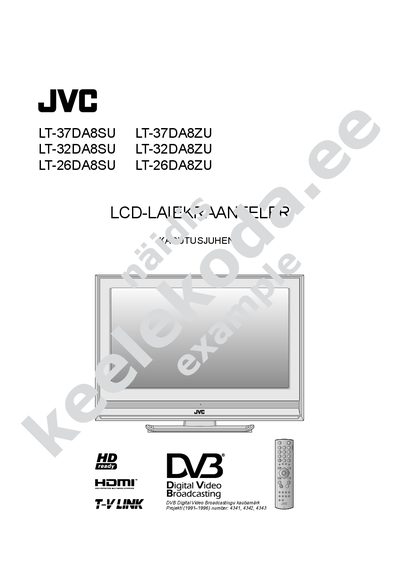
JVC LT-37DA8SU/LT-37DA8ZU/LT-32DA8SU/LT-32DA8ZU/LT-26DA8SU/LT-26DA8ZU LCD TV User Manual
This manual provides step‑by‑step instructions for installing and operating JVC LCD televisions of the LT‑37DA8, LT‑32DA8 and LT‑26DA8 series. It explains how to configure digital and analog channels, use the T‑V LINK feature, and access the electronic programme guide (EPG).\n\nThe guide also covers timer recording, channel sorting, picture and sound adjustments, and language selection. Each function is described with menu references (e.g., Ik 40 for digital channel settings) to help users navigate the TV's on‑screen menus efficiently.
Read onlineAll JVC LT-37DA8SU documents by type
Day-to-day operation, settings and troubleshooting. Start here if the product is already set up.
Questions answered in these manuals
How do I set up digital channels?
Select the "Digikanalite asetused" (Digital channel settings) menu, referenced as Ik 40 in the manual.
From: JVC LT-37DA8SU/LT-37DA8ZU/LT-32DA8SU/LT-32DA8ZU/LT-26DA8SU/LT-26DA8ZU LCD TV User Manual
How can I use the timer recording function?
Use the timer function in the menu (Taimerlulituse seadmine) as described on page 4.
From: JVC LT-37DA8SU/LT-37DA8ZU/LT-32DA8SU/LT-32DA8ZU/LT-26DA8SU/LT-26DA8ZU LCD TV User Manual