
Key facts
- Brand
- JVC
- Model
- GZ-HD300
- Industry
- Electronics
- Documents
- 2
- Languages
- EN · ZH
- Last added
- 2012-05-04
Start here
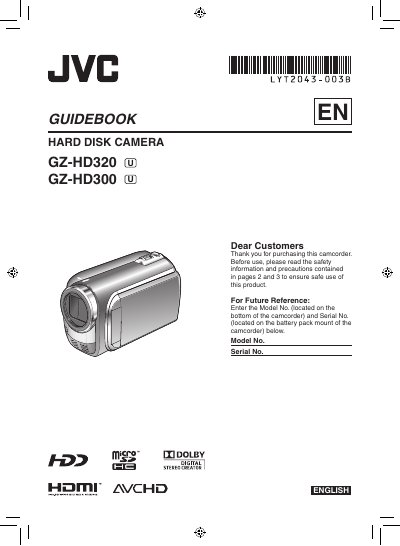
JVC GZ-HD320/GZ-HD300 Camcorder User Manual
This guidebook covers safety precautions, battery charging, and basic handling for the JVC GZ‑HD320/GZ‑HD300 camcorder. It explains how to prepare the device, set date/time, adjust grip, and mount the camcorder on a tripod or cart.
The manual also details video recording, playback, file management, and connections to a TV or computer. Additional sections cover editing, copying files, using external storage, and troubleshooting.
JVC GZ-HD300 specifications
| AC Adapter Input Voltage | 110 V – 240 V |
|---|---|
| Battery Type | CR2025 lithium coin cell (JVC battery pack recommended) |
| Supported Storage Media | microSD Card |
All JVC GZ-HD300 documents by type
Day-to-day operation, settings and troubleshooting. Start here if the product is already set up.
Questions answered in these manuals
How do I charge the camcorder battery?
Charge the battery before recording by attaching the battery pack and connecting the AC adapter; the power/charge lamp blinks while charging and stops when charging is finished.
What battery type should be used with the camcorder?
Only JVC BN‑VF808U, VF815U, or VF823U batteries may be used; other batteries are not guaranteed for safety or performance.
What are the power requirements for the AC adapter?
The AC adapter accepts 110 V to 240 V AC, 50/60 Hz, and outputs DC 11 V at 1 A.