
Key facts
- Brand
- JVC
- Model
- GZ-MG730
- Industry
- Electronics
- Documents
- 2
- Languages
- EN
- Last added
- 2012-05-10
Start here
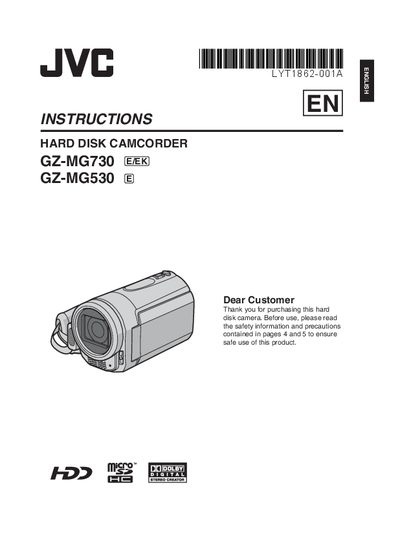
JVC GZ-MG730/GZ-MG530 Camcorder User Manual
User Manual 44 pages · 3.4 MB · EN
This manual provides step‑by‑step instructions for getting started with the JVC GZ‑MG730 and GZ‑MG530 camcorders, including battery charging, date/time setup, and basic menu navigation. It also covers recording video and still images, playback functions, and how to transfer files to a TV or DVD.
Additional sections detail editing and copying files, PC and Macintosh backup procedures, safety precautions, and troubleshooting tips. The guide includes a glossary of terms and specifications for reference.
All JVC GZ-MG730 documents by type
User Manual 2
Day-to-day operation, settings and troubleshooting. Start here if the product is already set up.
Questions answered in these manuals
How do I charge the battery pack?
Charge the battery pack before use, as noted in the Easy Start Guide.
How can I set the date and time on the camcorder?
Open the LCD monitor, select [SET DATE/TIME], and confirm within 10 seconds.