
Key facts
- Brand
- JVC
- Model
- GZ-HD620
- Category
- Other Electronics
- Industry
- Electronics
- Documents
- 3
- Languages
- ZH
- Last added
- 2026-10-13
Start here
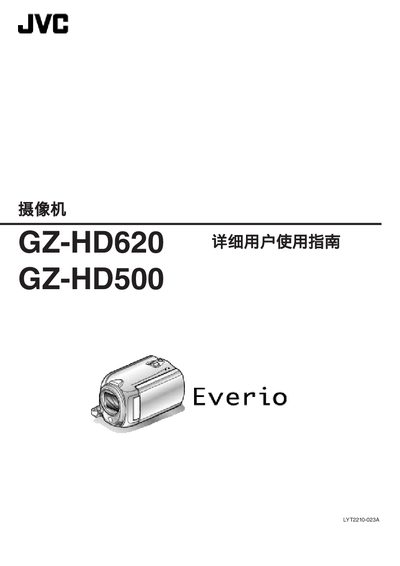
JVC camcorder GZ-HD620AC user manual
This manual provides step‑by‑step instructions for getting started with the GZ‑HD620 and GZ‑HD500 camcorders, including checking accessories, charging the battery, inserting a microSD card, and basic operation of the camera and remote control. Detailed sections cover video and still image recording, playback options, menu settings, and troubleshooting.
Additional chapters describe recommended accessories for travel, proper cleaning and maintenance procedures, and full technical specifications such as power consumption, dimensions, and supported recording formats. The guide also includes safety warnings and warranty information. This manual is written in Chinese.
JVC GZ-HD620 specifications
| Power consumption (GZ‑HD620) | 3.3 W |
|---|---|
| Power consumption (GZ‑HD500) | 3.2 W |
| Dimensions (mm) | 53 × 63 × 110 |
| Weight (camera only, GZ‑HD620) | ≈ 270 g |
| Image sensor (GZ‑HD620) | 1/4" 3,320,000 pixels CMOS |
| Optical zoom (video, GZ‑HD620) | up to 30× |
| HDMI output | Mini HDMI (V1.3 with x.v.Color) |
All JVC GZ-HD620 documents by type
Day-to-day operation, settings and troubleshooting. Start here if the product is already set up.
Questions answered in these manuals
What is the voltage range supported by the AC adapter?
The JVC AC adapter supports a voltage range of 100 V to 240 V.
Can I record in YouTube format?
Yes, the camcorder supports recording videos in YouTube format.
What types of memory cards can be used with the camcorder?
The camcorder supports microSD and microSDHC cards that are commercially available.
Can the camcorder be charged while recording?
No. The manual states that when the AC adapter is connected to charge the battery, recording cannot be performed.
How long does it take to fully charge the GZ‑HD620?
Charging takes approximately 2 hours 30 minutes under normal conditions.
From: JVC GZ-HD620 User Manual
What batteries are recommended for replacement?
Use CR2025 batteries from Panasonic, Sanyo, Sony, or Maxell.
From: JVC GZ-HD620 User Manual