
Key facts
- Brand
- JVC
- Model
- XV-N512S
- Documents
- 2
- Languages
- EN
- Last added
- 2011-11-13
Start here
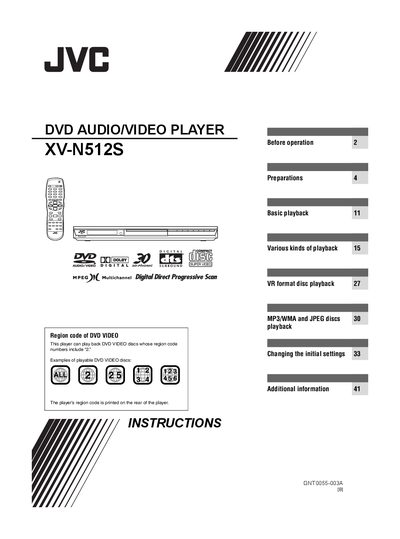
JVC XV-N512S DVD Audio/Video Player User Manual
This manual covers everything needed to install and operate the JVC XV‑N512S DVD audio/video player, including safety warnings, supplied accessories, and basic playback functions. It also details advanced features such as VR‑format disc playback, MP3/WMA and JPEG disc support, and progressive‑scan video mode.
Additional sections provide troubleshooting tips, specifications, and appendices with signal charts, country/area codes for parental lock, and a glossary of terms used throughout the document.
JVC XV-N512S specifications
| Supported disc types | DVD‑R, DVD‑RW (VIDEO format), DVD‑RAM, CD‑R, CD‑RW (SVCD, Video CD, Audio CD, MP3, WMA, JPEG) |
|---|---|
| Supported audio formats | Linear PCM, Dolby Digital, DTS, MLP, MPEG Multichannel |
| Video system compatibility | PAL and NTSC (region 2) discs |
| Standby power consumption | 2.0 W |
All JVC XV-N512S documents by type
Day-to-day operation, settings and troubleshooting. Start here if the product is already set up.
Questions answered in these manuals
Which audio formats can be played back on the XV‑N512S?
The player supports Linear PCM, Dolby Digital, DTS, MLP and MPEG Multichannel audio formats.
How do I connect the player to a TV using a SCART cable?
Connect a 21‑pin SCART cable from the player’s SCART connector to the TV, and do not connect any other video output jacks while using SCART.