
This is the detailed user manual for the JVC LYT2522-022A GZ-E100 camcorder, covering operation, settings, and troubleshooting.
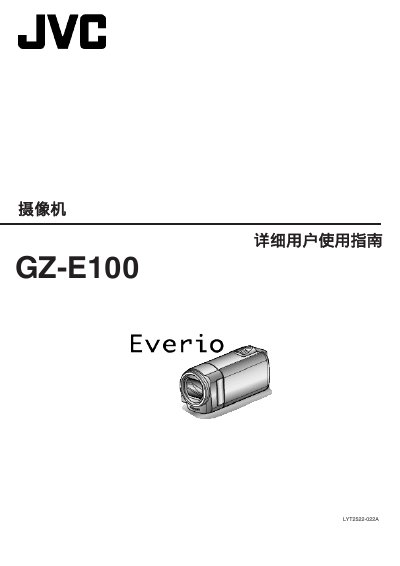
This document serves as the detailed user manual for the JVC LYT2522-022A GZ-E100 camcorder. It provides comprehensive instructions on charging the battery, inserting the SD card, and adjusting the wrist strap. The guide also covers basic operations such as opening the device, setting the clock, and changing the display language. This manual is written in Chinese.
| Video Resolution | 1920x1080 pixels |
|---|---|
| Optical Zoom | 40x |
| Image Stabilizer | Digital Image Stabilizer |
| Auto Recording Scenes | 12 types |
| Interfaces | HDMI, USB, AV Out |
The manual lists a specific section for checking compatible SD card types, though the specific list is not extracted in the provided text.
No, the manual states that when the AC adapter is connected to charge the battery, recording cannot be performed.