
This document is a detailed user guide for the camera LYT2432-024A, including getting started, charging, recording, and playback. It also introduces the use of the camera in different scenarios such as holidays, weddings, travel, and amusement parks. It includes guides for recording, playback, editing, copying, as well as menu and connection settings.
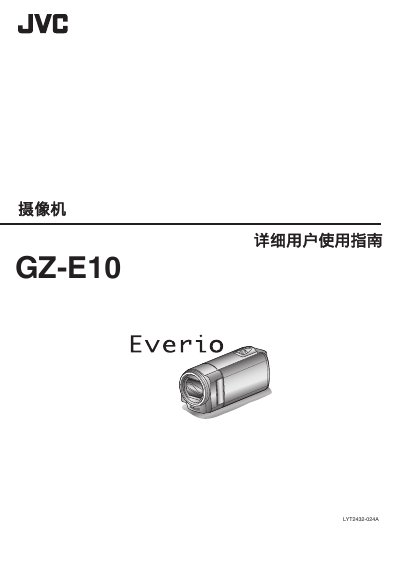
This manual walks you through the basic functions of the JVC GZ‑E10 camcorder, including how to charge the battery, insert SD cards, adjust settings, and use the various shooting modes. Detailed sections cover holiday, wedding, travel and amusement‑park recording tips, as well as step‑by‑step instructions for playback, file management and connecting the camcorder to a TV.
Technical specifications, power‑adapter information, and regular maintenance procedures are listed toward the end of the guide, helping you keep the camcorder in optimal condition and troubleshoot common issues. This manual is written in Chinese.
| Power consumption (monitor brightness 3) | 2.2 W |
|---|---|
| Power consumption (monitor brightness 4) | 2.4 W |
| Dimensions (camera only) | 50.5 mm × 55.0 mm × 110.5 mm |
| Weight (camera only) | ≈185 g |
| Optical zoom | 40× |
| Digital zoom | 200× |
| LCD monitor size | 2.7 inches, 230 K pixels |
| Video resolution | 1920 × 1080 px (Full HD) |
| Audio quality | 48 kHz, 256 kbps |
| Battery voltage | 3.5 V‑3.6 V |
| Battery capacity (BN‑VG108E) | 860 mAh |
Connect the JVC AC adapter to the camcorder and plug it into an AC outlet; the battery will charge while the camcorder is off.