
The JVC LYT2522-021A GZ-E100 camcorder user manual provides instructions for charging, recording, playback, and maintenance.
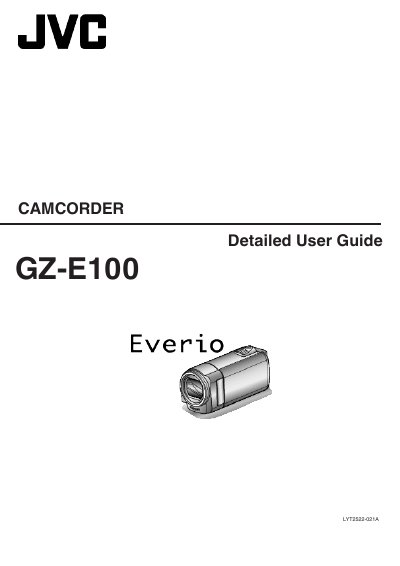
This detailed user guide covers all essential operations for the JVC LYT2522-021A GZ-E100 camcorder, including charging the battery pack, recording modes, playback functions, and shooting tips for various scenarios such as holidays, weddings, and travel. It also explains how to connect the camcorder to TVs and computers via HDMI, AV, and USB.
The manual includes a specifications section with power, dimensions, and performance data, as well as a maintenance chapter that describes cleaning, battery care, and safety precautions. Accessories and optional items are listed with part numbers for easy reference.
| Power supply (AC adapter) | DC 5.2 V |
|---|---|
| Power consumption (standard brightness) | 2.2 W |
| Dimensions (W × H × D) | 50 mm × 55 mm × 111 mm |
| Mass (camera only) | 185 g |
| Battery pack capacity (BN‑VG107AC) | 700 mAh |
| Battery pack capacity (BN‑VG108E) | 860 mAh |
| Optical zoom | Up to 40× |
| Video recording resolution | Full HD 1920 × 1080 px |
Use the JVC AC adapter together with a commercially available power‑plug converter for the destination country.
Use a lens blower to remove dust and a cleaning cloth; avoid solvents such as alcohol or benzene.
The camcorder consumes about 2.2 W when the monitor brightness is set to level 3.
It offers up to 40× optical zoom.