
This is the user manual for the JVC GZ-E10 HD camcorder, covering beginner guides, charging, recording, playback, editing, menu settings, troubleshooting…
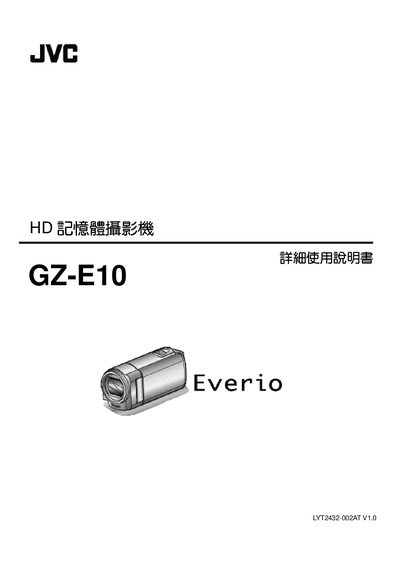
This document serves as a detailed user guide for the JVC GZ-E10 HD Camcorder. It provides comprehensive instructions on operating the device, including how to charge the battery, insert SD cards, and adjust camera settings such as white balance and backlight compensation.
The manual also covers advanced features like face recognition AE/AF, time-lapse recording, and automatic recording based on motion detection. Additionally, it includes sections on connecting the camcorder to TVs via HDMI or AV terminals, transferring files to computers, and troubleshooting common issues. This manual is written in Chinese.
For long trips, you should prepare several large-capacity batteries.
The AC power adapter supports voltages from 100V to 240V.
A 90-degree turn should take about 5 seconds.