
HP Officejet Pro 8600 User Guide

This manual provides instructions for setting up, operating, and troubleshooting the HP Officejet Pro 8600 all-in-one printer.
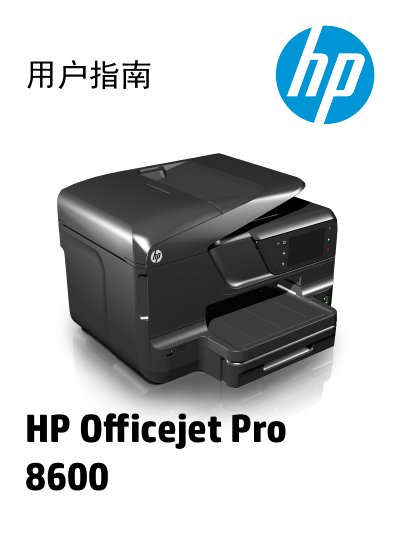

HP Officejet Pro 8600 User Guide - cover page
Brand
HP
Category
Printer
Document type
User Manual
Language
Chinese
Pages
244
File format
PDF
File size
17.1 MB
Published
19 October, 2026
Updated
19 October, 2026
MD5 checksum
D2C4DAA77CA6DE6A1354E164F9BFB280

About this manual

This document is the user guide for the HP Officejet Pro 8600 series, covering setup, operation, and maintenance. It details how to use the printer for printing, scanning, copying, and faxing, as well as managing ink and resolving common issues. This manual is written in Chinese.

What's inside

  • Getting Started
  • Printing
  • Scanning
  • Copying
  • Faxing
  • Web Services
  • Using Cartridges
  • Troubleshooting

Frequently asked questions

What safety precaution should be taken before cleaning the printer?

You must unplug the power cord from the wall outlet before cleaning the product.

Who should perform repairs if the printer malfunctions?

Qualified repair personnel should handle repairs because there are no user-serviceable parts inside.

Download PDF (17.1 MB)

More HP Manuals


View all HP manuals →