
Key facts
Start here
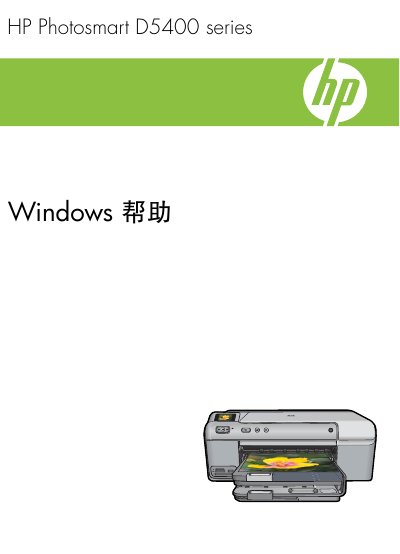
HP Photosmart D5400 Series User Manual
This manual covers every aspect of the HP Photosmart D5400 Series printer, from an overview of its features and control‑panel functions to detailed instructions for using the HP Photosmart software, loading paper, CDs/DVDs, and performing special print jobs. It also includes guidance on connecting the printer to a computer, setting it as the default device, and sharing it on a network.
Additional sections address routine maintenance, ink‑cartridge replacement, troubleshooting common issues such as paper jams and print‑quality problems, and information on purchasing genuine HP supplies, warranty, and environmental compliance. Technical specifications and paper‑handling details are provided for reference. This manual is written in Chinese.
HP D5400 specifications
| Maximum black‑and‑white resolution | 1200 × 1200 dpi |
|---|---|
| Maximum color resolution | 4800 × 1200 dpi |
| Supported paper sizes | Letter (8.5 × 11 in) / A4 (210 × 297 mm) |
All HP D5400 documents by type
Day-to-day operation, settings and troubleshooting. Start here if the product is already set up.
Questions answered in these manuals
How do I load paper into the printer?
Open the output tray, lift the main paper tray and place the paper inside before closing the tray.
Where can I order original HP ink supplies?
Visit the HP supplies website at www.hp.com/buy/supplies to order genuine cartridges.
How many sheets can the main input tray hold?
The main input tray can hold up to 125 sheets of plain paper (60‑90 gsm).
What USB cable length should I use to avoid interference?
Use a USB cable that is three metres (10 feet) or shorter.