
HP Color LaserJet CP6015 User Guide, introduces the product features and characteristics, including product appearance, control panel, Windows software, etc.
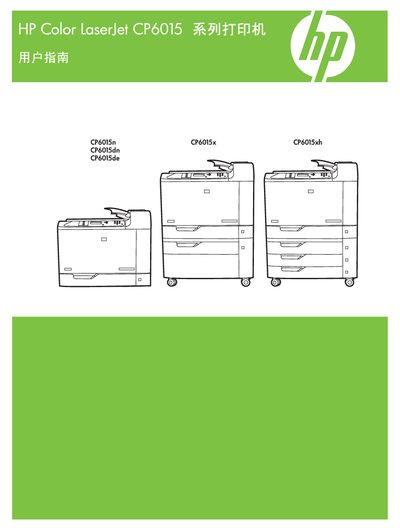
This manual provides detailed instructions for operating and maintaining HP Color LaserJet CP6015 series printers. It covers control panel usage, printer setup, paper handling, printing options, color management, and troubleshooting. The guide also includes information on software compatibility for Windows and Macintosh systems, network configuration, and maintenance procedures such as replacing toner cartridges and cleaning components. This manual is written in Chinese.
| Supported Paper Sizes | various sizes including standard, custom, and large formats |
|---|---|
| Supported Paper Types | HP brand laserjet or multi-purpose paper, not inkjet paper |
| Network Protocols | TCP/IP, DHCP, BOOTP |
HP recommends using HP brand laserjet or multi-purpose paper; inkjet paper is not supported.
This document is a user manual for the HP Color LaserJet CP6015n, CP6015dn, CP6015de, CP6015x, and CP6015xh printers.
Using non-HP paper or media can cause poor print quality, increased paper jams, and premature product wear requiring maintenance.