
Key facts
Start here
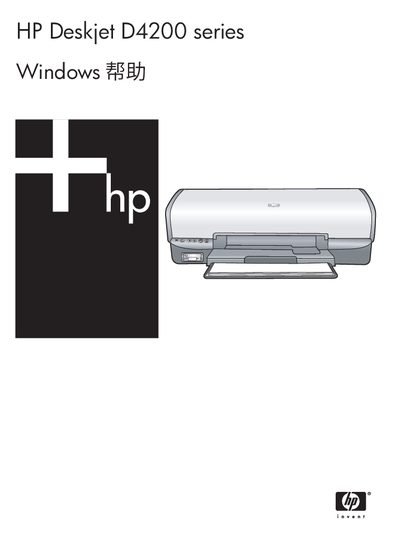
HP Deskjet D4200 Series Printer User Manual
This manual covers everything you need to know to get your HP Deskjet D4200 Series printer up and running. It includes detailed sections on installing ink cartridges, connecting the printer via USB, using the Photosmart Essential button, and printing photos, documents, and special media.
In addition, the guide provides maintenance tips, troubleshooting steps for common issues such as paper jams and ink problems, and specifications for paper types, dimensions, and supported operating systems. Accessibility features and environmental recycling information are also included. This manual is written in Chinese.
HP D4200 specifications
| Dimensions (H x W x L) | 144 mm x 459 mm x 480 mm |
|---|---|
| Weight (without cartridges) | 3.462 kg (7.635 lb) |
| Input paper capacity | Up to 100 sheets (plain paper) |
| Output paper capacity | Up to 50 sheets (plain paper) |
| Maximum print resolution | 56 dpi (max) |
| Supported operating systems | Windows 2000, Windows XP |
| Integrated memory | 0.5 MB |
| Supported paper weight (Letter) | 65–90 g/m² |
All HP D4200 documents by type
Day-to-day operation, settings and troubleshooting. Start here if the product is already set up.
Questions answered in these manuals
How can I connect the printer to a computer via USB?
Plug the USB cable into the printer’s front USB port and the computer’s USB port, then install the HP driver software if prompted.