
Key facts
Start here
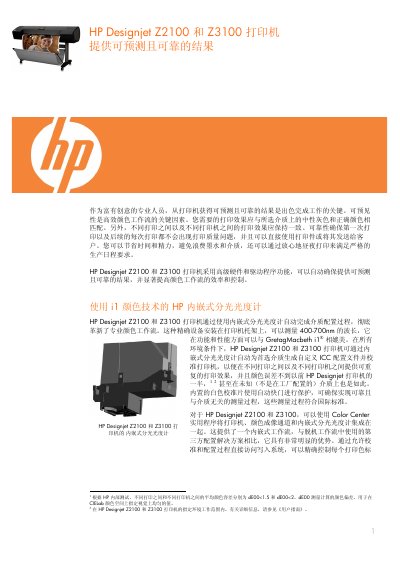
HP Designjet Z2100 and Z3100 Printer User Manual
The HP Designjet Z2100 and Z3100 printers provide predictable, reliable results for professional graphics work. They feature an integrated spectrophotometer that automatically creates custom ICC profiles for a wide range of media, ensuring consistent color across prints and machines. The Color Center utility on Mac and Windows lets users generate and install these profiles directly from the printer.
The manual also covers media handling, automatic mechanical calibration, preventive printhead maintenance, and the HP Photosmart Pro plug‑in for Photoshop. Detailed instructions guide users through print preview, ink management, and troubleshooting tools such as the diagnostic print pattern and nozzle testing. This manual is written in Chinese.
HP Z3100 specifications
| Supported roll widths | 18, 24, 36, 42 inches |
|---|---|
| Supported media thickness | 0.1 – 0.8 mm |
| Printhead nozzle count per color | 1,056 |
| Printhead resolution | 1,200 dpi |
| Print speed (A1 size) | ≈5.5 minutes |
| Spectrophotometer wavelength range | 400–700 nm |
All HP Z3100 documents by type
Day-to-day operation, settings and troubleshooting. Start here if the product is already set up.
Questions answered in these manuals
Which roll widths can the printer handle?
The printer supports roll media that are 18, 24, 36 or 42 inches wide.
What is the maximum media width for the HP Designjet Z3100 44‑inch model?
The 44‑inch model can handle media up to 1117.6 mm (44 inches) wide.
From: HP Designjet Z3100 Series Large-Format Printer User Manual
What is the print resolution in high‑quality mode?
The printer can achieve up to 2400 × 1200 dpi in high‑quality mode.
From: HP Designjet Z3100 Series Large-Format Printer User Manual