
This manual describes the features and characteristics of the HP Color LaserJet CP6015n, HP Color LaserJet CP6015dn, HP Color LaserJet CP6015de, HP Color LaserJet CP6015x, and HP Color LaserJet CP6015xh, including their appearance, control panel, and software.
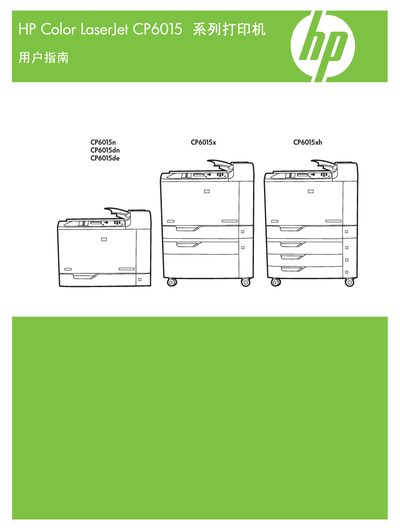
This manual provides detailed instructions for installing, configuring, and operating the HP Color LaserJet CP6015 series printers, including the CP6015n, CP6015dn, CP6015de, CP6015x, and CP6015xh models. It explains how to use the control panel, load paper, and adjust printing settings for both Windows and Macintosh environments.
The guide also covers network setup (IPv4 and IPv6), supported operating systems, and maintenance procedures such as cleaning and troubleshooting. Reference part numbers and edition information are included for service and warranty purposes. This manual is written in Chinese.
The part number is Q3931-90970.
The manual was published in April 2008 (Edition 1).