
Casio XJ-460/XJ-560 Data Projector User Manual

This document is the User's Guide for DATA PROJECTOR XJ-460/XJ-560, providing information about the basic operations, setup, and lamp replacement of the projector.
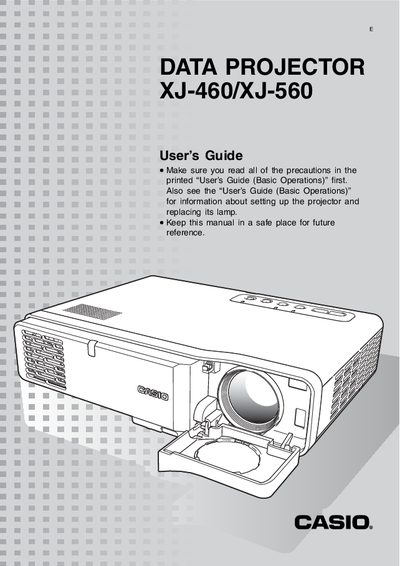

Casio XJ-460/XJ-560 Data Projector User Manual - cover page
Brand
Casio
Category
Projector
Document type
User Manual
Language
English
Pages
78
File format
PDF
File size
1.6 MB
Published
05 May, 2012
Updated
28 September, 2023
Models
XJ-460, XJ-560
MD5 checksum
5CF05A4C49BEB46BFB8BBA2036527FB7

About this manual

This guide explains how to set up the Casio XJ-460/XJ-560 projector, connect video sources, and adjust image settings such as zoom, focus, and keystone correction. It also covers basic safety precautions and how to replace the lamp.

Detailed sections describe input source selection, remote controller functions, signal compatibility, cleaning procedures, password protection, and troubleshooting tips for common projection issues.

What's inside

  • Projection Operations
  • Keystone Correction
  • Zoom and Focus
  • Auto Input Source Selection
  • Manual Input Source Selection
  • Remote Controller Signal Range
  • Connecting to a Component Video Output Device
  • Connecting a Computer to the Projector's USB Port
  • Cleaning the Projector
  • Projector Troubleshooting

Specifications

Keystone correction angleUp to about 30 degrees
Supported NTSC signal15.7 kHz horizontal, 60 Hz vertical

Frequently asked questions

How do I select the input source using the projector keys?

Press the [INPUT] key on the projector to cycle through input sources.

What message appears when no input signal is detected?

The message “No signal input” appears in place of the input source name.

Download PDF (1.6 MB)

More Casio Manuals


View all Casio manuals →