
This document is the user's guide for DATA PROJECTOR XJ-460/XJ-560, providing information on setting up the projector and replacing its lamp, as well as precautions. The projector features Digital Light ProcessingTM, DLPTM, Digital Micromirror DeviceTM, and DMDTM technologies, and is compatible with Microsoft and Apple.
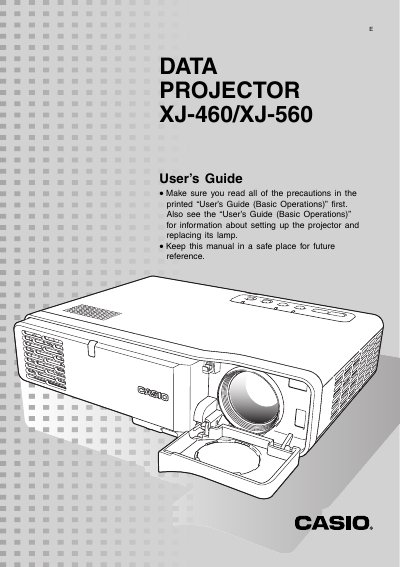
This document serves as a user's guide for the Casio XJ-460 and XJ-560 digital light processing (DLP) video projectors. It details how to prepare the projector, connect various input sources such as computers and video devices, and perform basic projection operations like zooming, focusing, and keystone correction.
| Technology | Digital Light Processing (DLP) |
|---|---|
| Input Sources | RGB/Component, VIDEO, S-VIDEO |
The message 'No signal input' appears in place of the input source name.
Use the [ZOOM] keys to adjust the image size and the [FOCUS] keys to focus the image.