
This manual explains how to use CASIO DATA PROJECTOR XJ-460/XJ-560
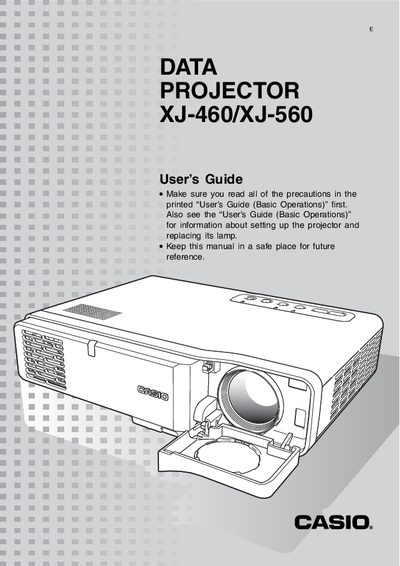
The document serves as a comprehensive manual for the Casio XJ-460/XJ-560 Data Projector. It covers essential projection operations such as selecting input sources, adjusting zoom and focus, and utilizing auto-adjustment features like Auto Focus and Keystone Correction. The guide also details how to use the Setup Menu for image adjustment, volume control, and screen settings.
| Auto Focus and Keystone Correction Angle | Up to about 30 degrees (Vertical/Horizontal) |
|---|---|
| Test Vertical Frequency for Keystone | 60 Hz |
Press the [INPUT] key on the projector to cycle through available input sources.
Hold down the [ZOOM +] key to increase size or the [ZOOM –] key to decrease it.
Hold down the [FOCUS S] or [FOCUS T] keys until the image is sharp.