
Key facts
Start here
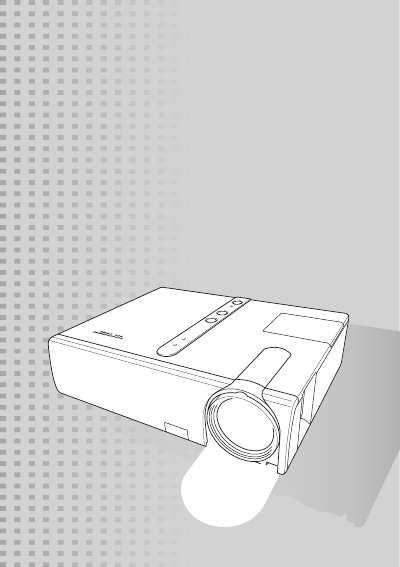
CASIO XJ-350 Video Projector User's Guide
This document serves as the official User's Guide for the CASIO XJ-350 video projector. It begins with essential safety precautions regarding electrical hazards, water exposure, and proper ventilation to ensure safe operation. The guide details the correct setup, usage, and handling of the device to prevent damage or injury.
Read onlineAll Casio XJ-350 documents by type
Day-to-day operation, settings and troubleshooting. Start here if the product is already set up.
Questions answered in these manuals
What is the operating temperature range for the projector?
The projector must be operated within a temperature range of 5°C to 35°C (41°F to 95°F).
How much space must be left between the projector and walls?
You must allow at least 30 cm (11.8 inches) of clearance between the projector and any wall.
What is the operating temperature range for the projector?
The projector must be operated within a temperature range of 5°C to 35°C (41°F to 95°F).
How much space must be left between the projector and walls?
You must allow at least 30 cm (11.8 inches) of clearance between the projector and walls.
What should I do if the projector catches fire?
Immediately turn off the projector and disconnect the power source.
Can I place the projector near water or liquids?
No, you must not place the projector near water, liquids, or in wet environments.