
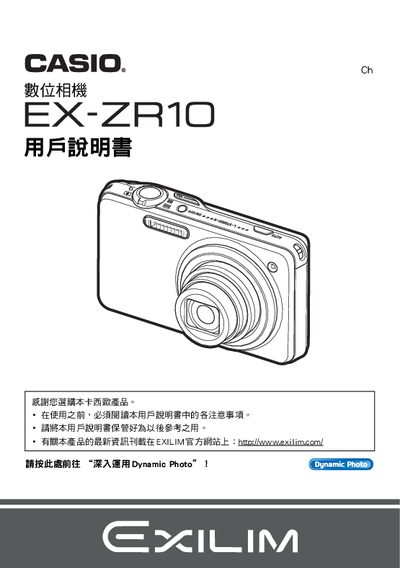
This manual begins with safety notices and a checklist for the items included in the camera package, such as the NP‑110 rechargeable battery and charger. It guides users through initial setup steps like charging, inserting the battery, and formatting the memory before first use.
Subsequent sections cover shooting functions (still, motion, HDR, Best Shot, etc.), image settings (brightness, contrast, white balance), Dynamic Photo creation, printing via PictBridge, and connectivity options for Windows, Macintosh, HDMI, and USB. The guide also explains language selection, power‑saving modes, and how to reset the camera or replace the battery. This manual is written in Japanese.
| LCD pixel yield | 99.99%+ |
|---|---|
| Dynamic Photo image size | 640 × 480 pixels |
Open the battery compartment, remove the used NP‑110 rechargeable battery, and insert a new NP‑110 battery, then close the compartment.
Select the language setting in the camera menu and choose the desired language; the camera will apply the new language for all menus and prompts.